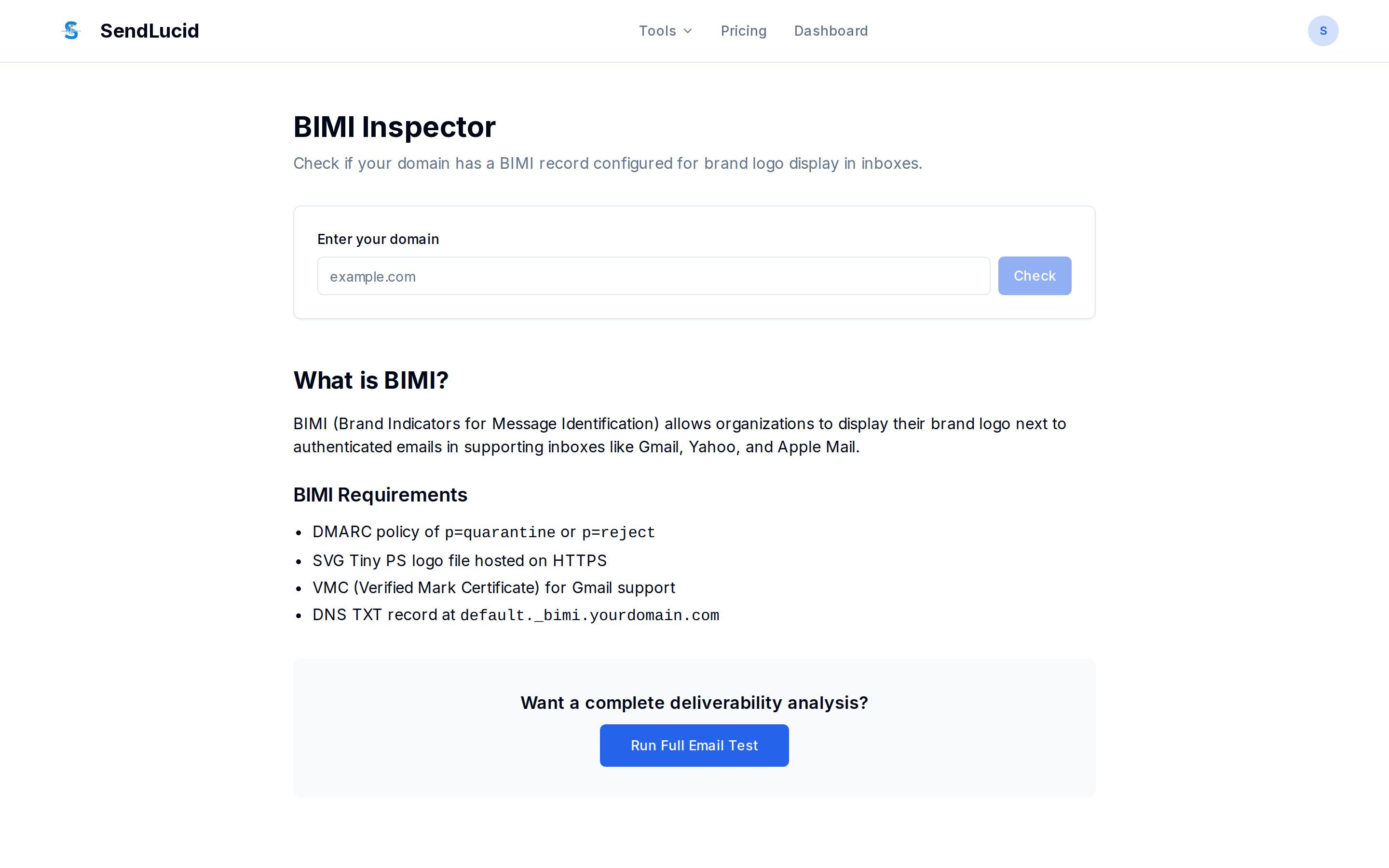
BIMI Inspector
Checks a domain’s BIMI (Brand Indicators for Message Identification) record — the record
that lets supporting inboxes show your brand logo next to your emails. BIMI is published at
default._bimi.{domain}.
Try it: sendlucid.com/bimi-inspector
What you give it
A domain.
What it checks
- A BIMI record exists with the version tag (
v=BIMI1). - A logo URL (
l=) — must be an SVG (Tiny PS profile). - A VMC authority (
a=) — a Verified Mark Certificate, which several inboxes (notably Gmail) require before displaying the logo.
It returns the record and flags whether the logo and VMC tags are present.
Why it matters
BIMI is the payoff for getting authentication right: a visible logo builds trust and lifts open
rates. But it only works after DMARC is at enforcement
(quarantine or reject) — BIMI without DMARC enforcement does nothing.
How to read it
If there’s no record, BIMI isn’t set up. If l= is present but a= is missing, your logo may
show in some inboxes but not Gmail, which requires a VMC.