DKIM Checker
Verifies a domain’s DKIM (DomainKeys Identified Mail) record — the published public key that lets receivers confirm your messages were signed by you and not altered in transit.
Try it: sendlucid.com/dkim-checker
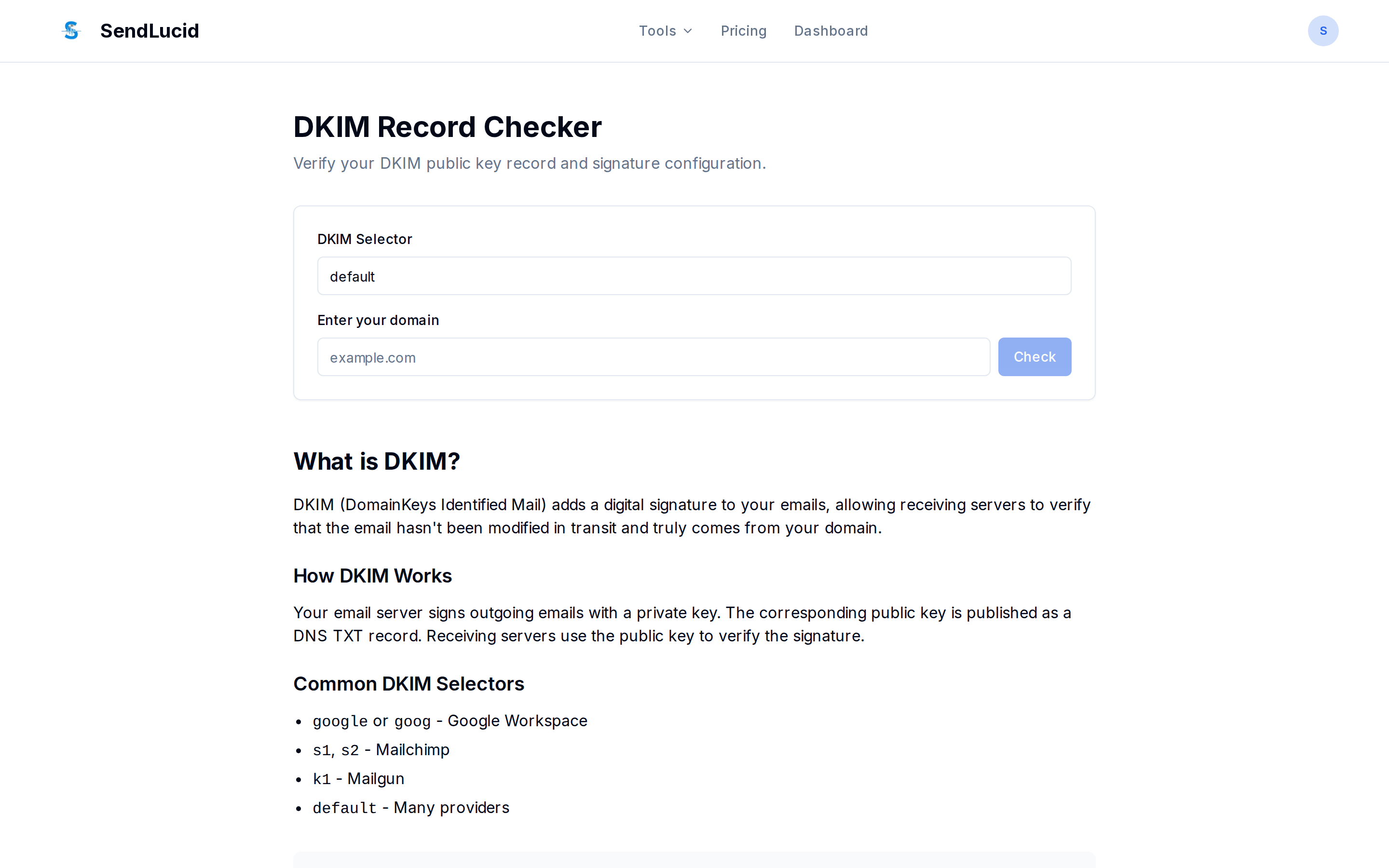
What you give it
A domain and a selector (defaults to default). The selector identifies which key to
look up; your ESP assigns it (e.g. k1, s1, selector1). DKIM is published at
{selector}._domainkey.{domain}.
What it checks
- A record exists at that selector.
- The version tag (
v=DKIM1). - A public key is present (
p=) — an emptyp=means the key is revoked. - The key type (
rsaored25519).
It returns the record, the parsed tags, and any issues.
Why it matters
DKIM is the second pillar of authentication, and it’s required for DMARC to pass by alignment. A missing or revoked key means your mail isn’t cryptographically signed.
How to read it
If you get “no record”, you likely have the wrong selector — check your ESP’s DKIM settings
for the exact value. A present v=DKIM1 with a non-empty p= is a healthy key.