Header Analyzer
Decodes raw email headers into a readable breakdown — the routing path, authentication results, and delivery details hidden at the top of every email.
Try it: sendlucid.com/header-analyzer
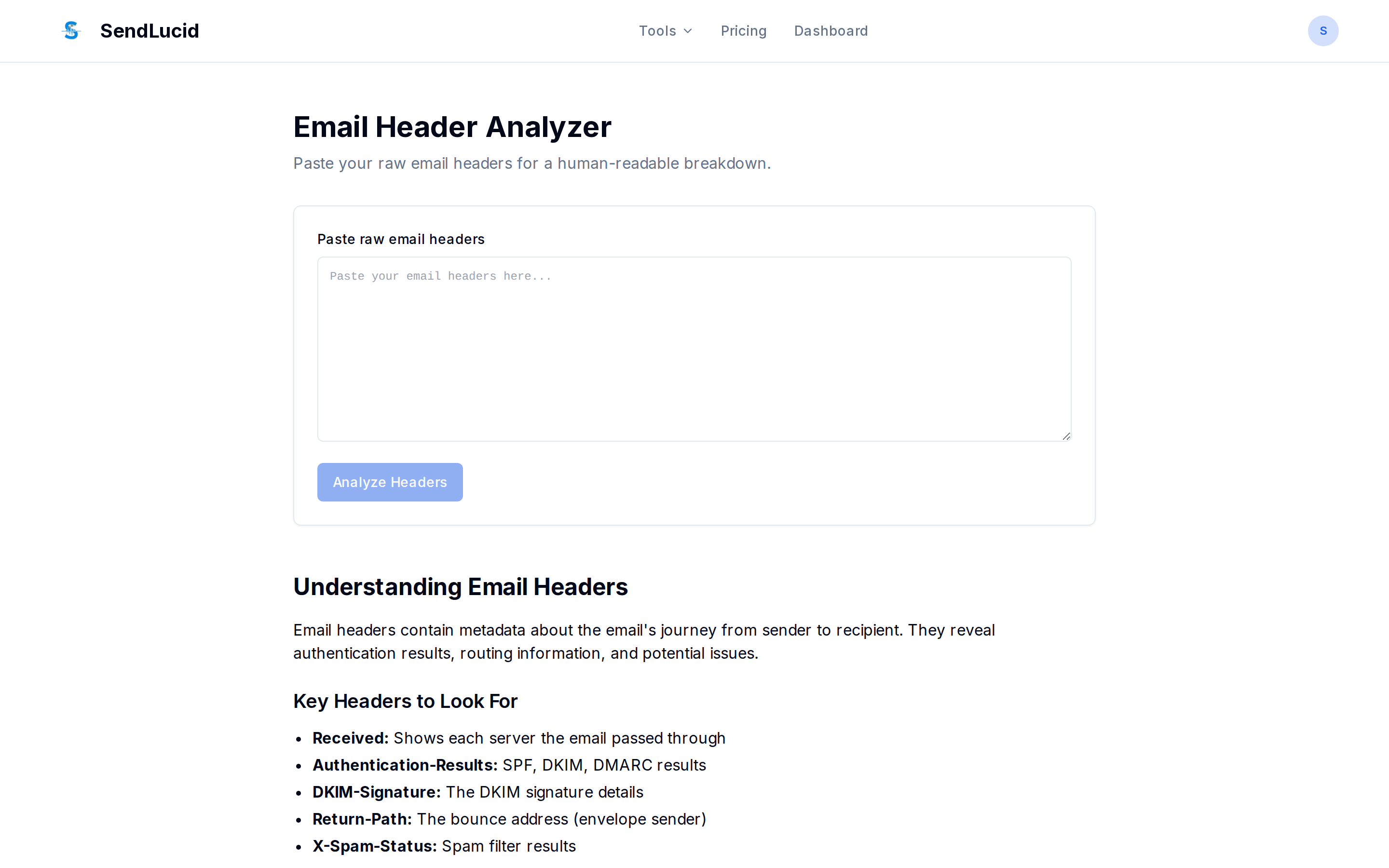
What you give it
The raw headers of an email, pasted in. (In most clients: open the message → “Show original” / “View source” → copy the header block.)
What it does
Parses the headers and lays out each field in plain form, including:
- Received — the hops the message took, newest first (useful for spotting delays).
- Authentication-Results — how SPF, DKIM, and DMARC evaluated.
- DKIM-Signature, Return-Path, X-Spam-Status, and the rest.
Privacy: the Header Analyzer runs entirely in your browser — your headers are never sent to a server.
Why it matters
When an email lands in spam or arrives late, the headers tell you why: which authentication check failed, which server added a delay, or what spam score it picked up. It’s the fastest way to diagnose a single problem message.